Golden hour
does not look like
flash.
Every photo gets the correct color, exposure, and tone for the light it was taken in. Eight light types. Three style modes. One catalog written back to Lightroom in your aesthetic.
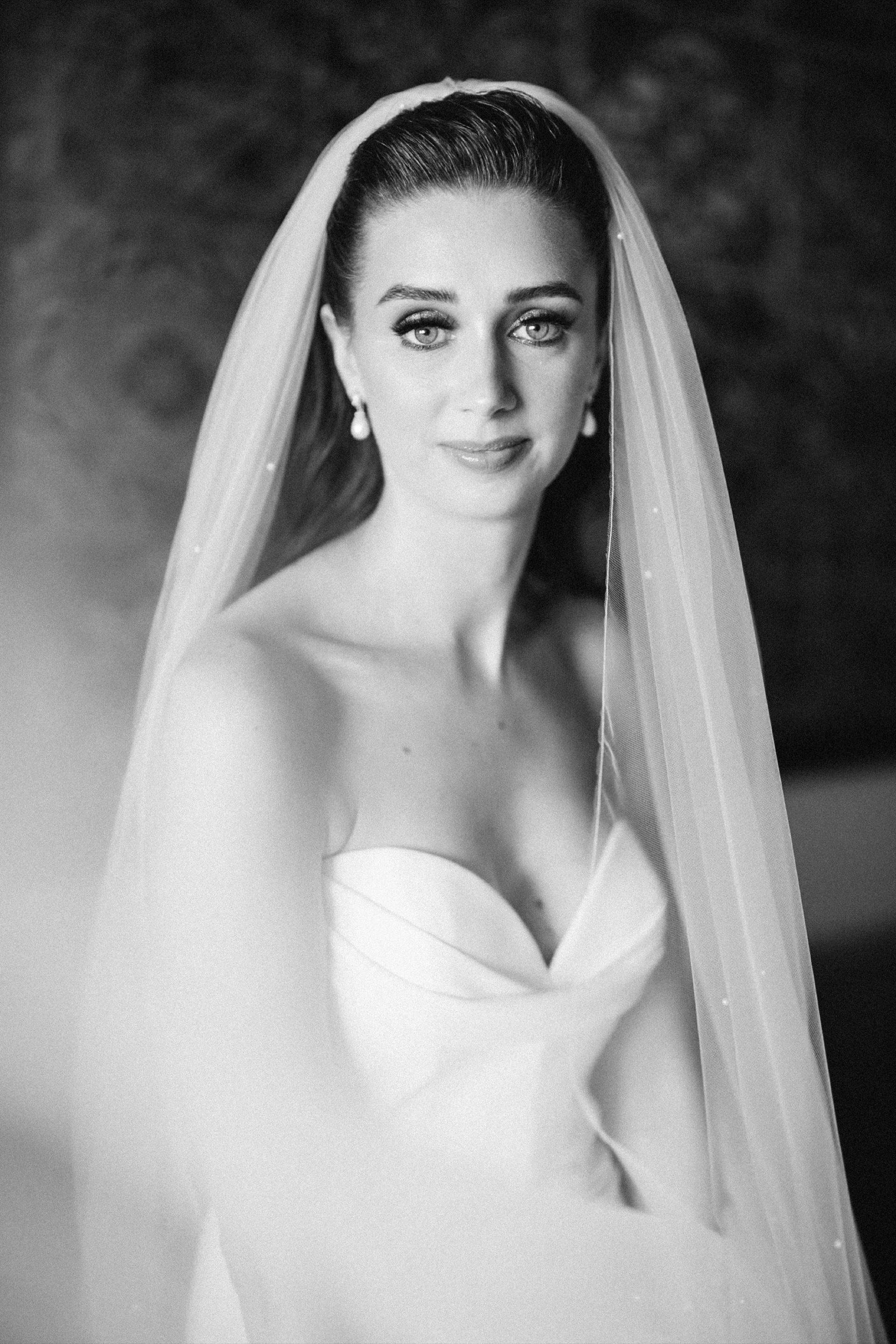
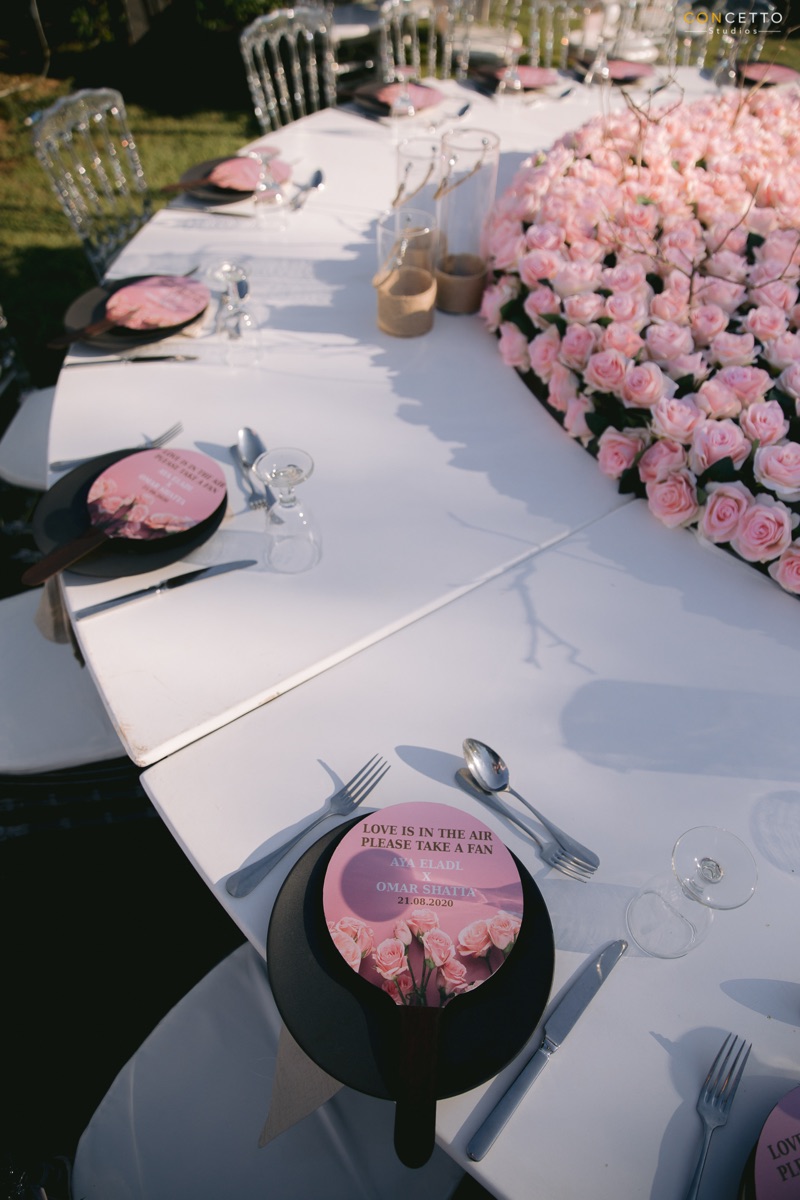
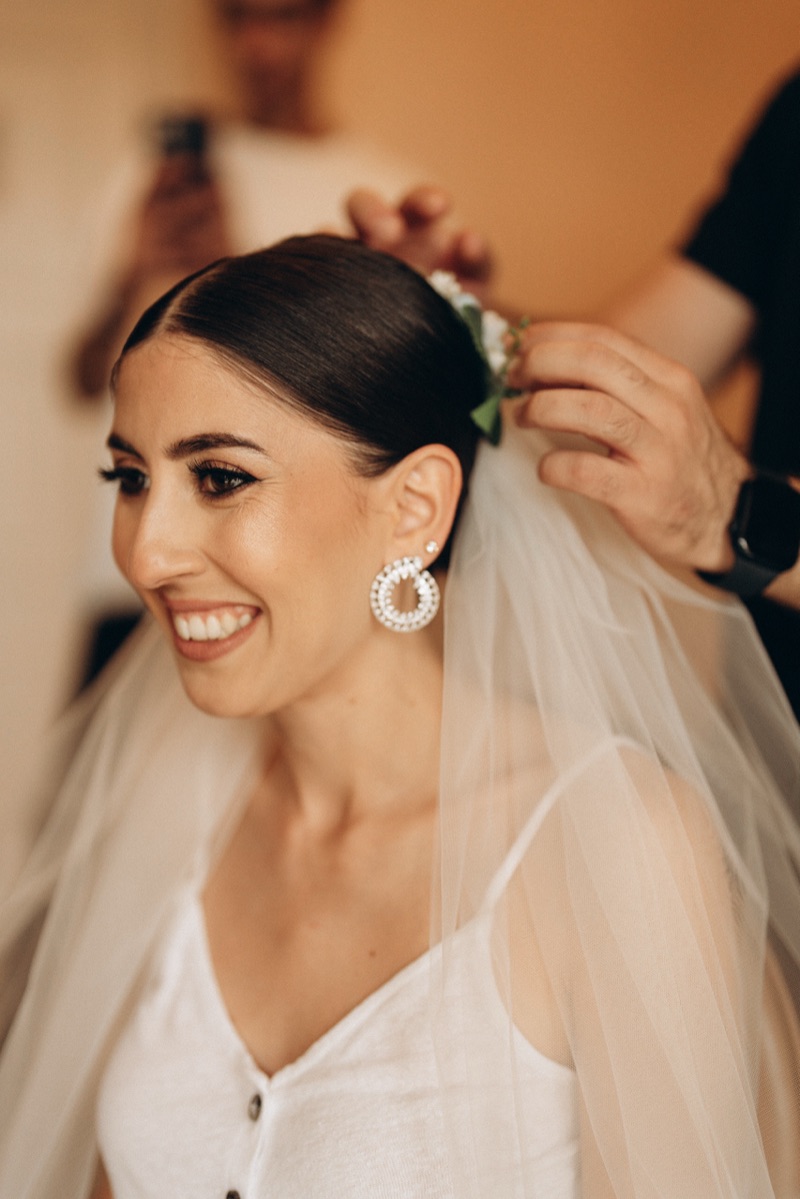
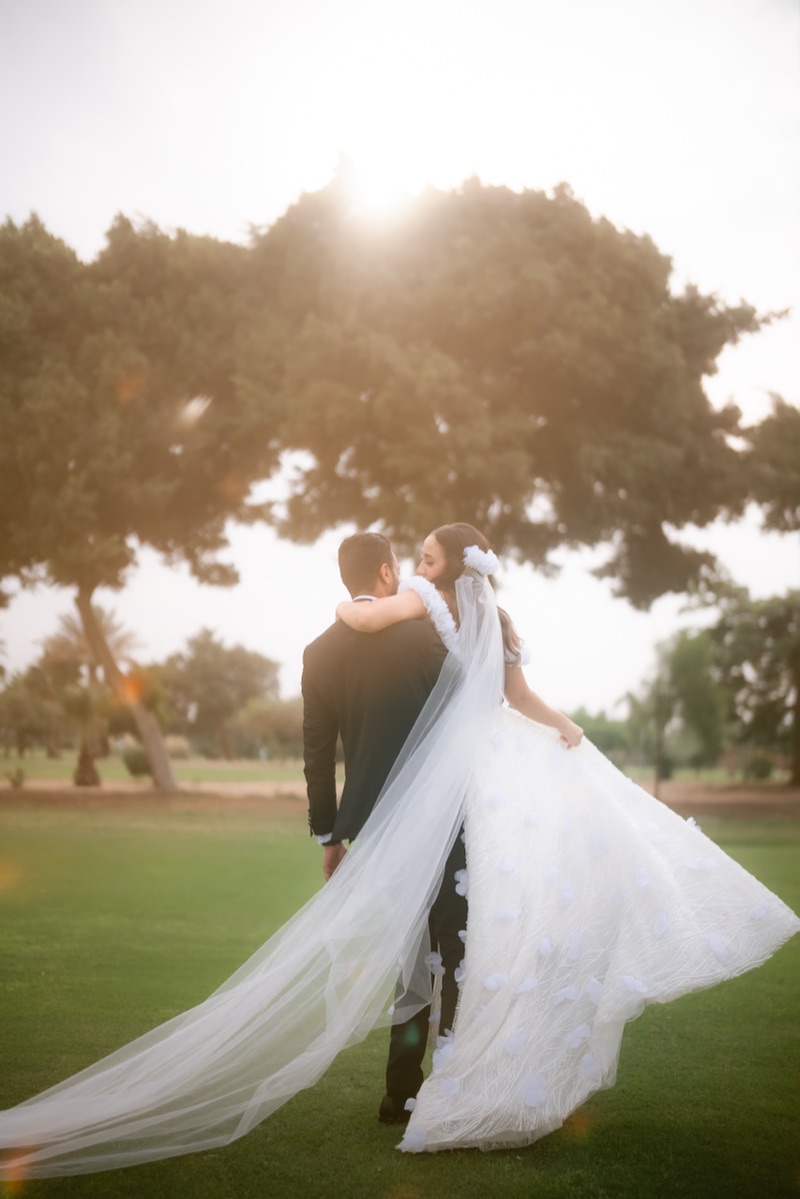
Same preset.
Eight different outputs.
We read EXIF first (capture time, flash, ISO). Gemini Vision confirms. Then we apply per-light deltas on top of your chosen preset — with skin-protection clamps that the AI cannot override.
Golden Hour
Warmth +300K · highlights −50 · shadows +22 · skin protected
Morning Light
Cool-neutral WB · low contrast · clean whites
Blue Hour
Protect blue sky · warm skin against cool BG · noise reduction
Overcast
Gentle warmth · pop mid-tones · avoid grey flatness
Harsh Midday
Highlights −70 · shadows +28 · even skin tone
Indoor Natural
Balance WB to window · soft contrast · gentle warmth
Flash / Strobe
Soften harshness · pull highlights · warm skin
Candle / Tungsten
Protect amber glow · noise reduction · let warmth live
Three ways to
tell us your style.
Visualz preset
Pick one of 5 Visualz presets (Warm Cinematic · Clean & Crisp · Film · MENA Warm · Dark & Moody). Each adapts to the light type of every shot — golden hour does not get the same numbers as flash.
Your own .xmp
Upload your Lightroom preset. We use it as a style baseline and apply it adaptively per scene — so the look stays yours, but it stops failing on the mixed-light shots.
Editor DNA
Trained from 3+ of your past weddings. We blend Gemini's light-correct numbers (60%) with your aesthetic (40%). The edit feels like you did it — because you partially did.
What happens between
drop and Lightroom.
- 1Read EXIF (ISO · WB · flash · capture time · focal length)
- 2OpenCV pre-analysis — brightness, color temp, warm pixels, sky
- 3Gemini Vision classifies light + scene + mood + skin risk
- 4Generate 18 Lightroom XMP params keyed to the light type
- 5If Mode C: blend Gemini result (60%) with photographer DNA (40%)
- 6Apply safety clamps — orange sat never exceeds +5
- 7Write XMP to Adobe_imageDevelopSettings in the .lrcat

$0.50 per image.
Bundles get cheaper.
Buy credit packs in advance — 1,000 credits drop the per-image rate to $0.35. Pair with the Culling Brain ($20/mo) for the full pipeline.